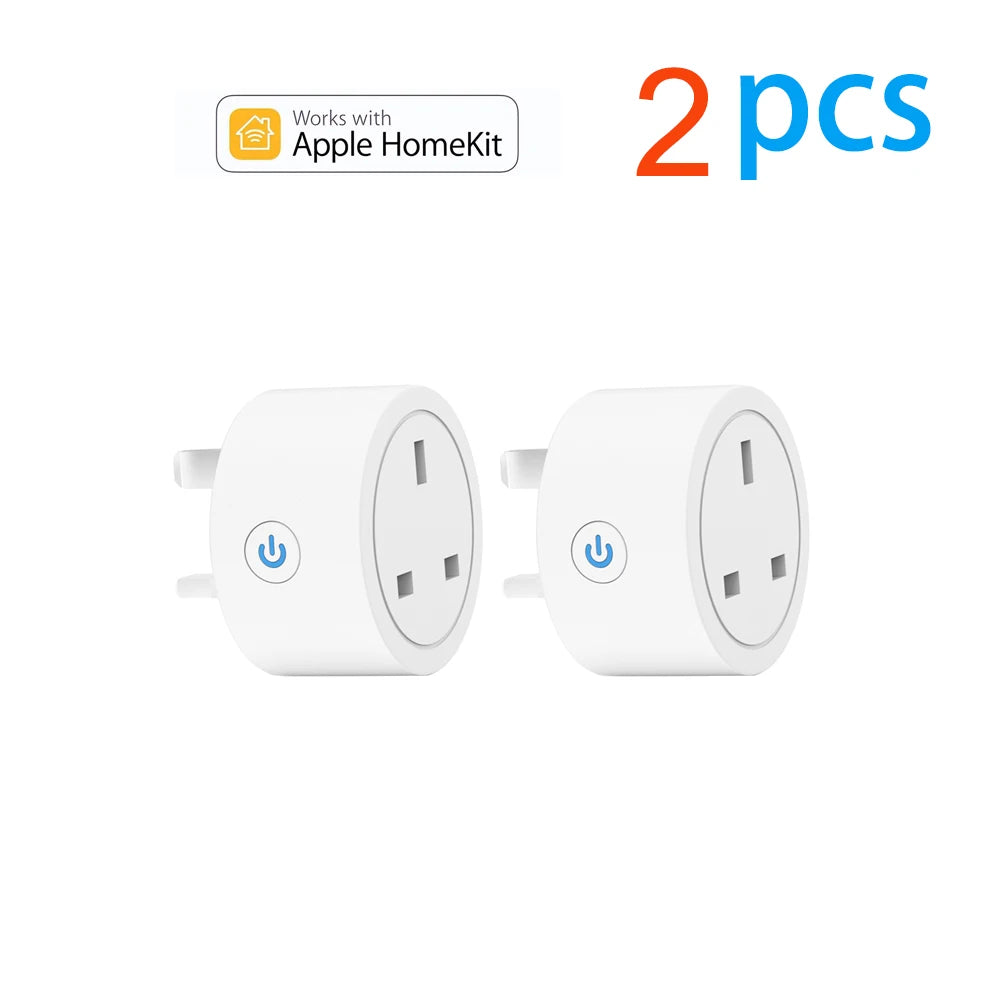
20A Tuya Smart WiFi UK Plug Energy Monitoring Socket
20A Tuya Smart WiFi UK Plug Energy Monitoring Socket
Couldn't load pickup availability
-
Ordered
- - -
Order Ready
- - -
Delivered

20A Tuya Smart WiFi UK Plug Energy Monitoring Socket
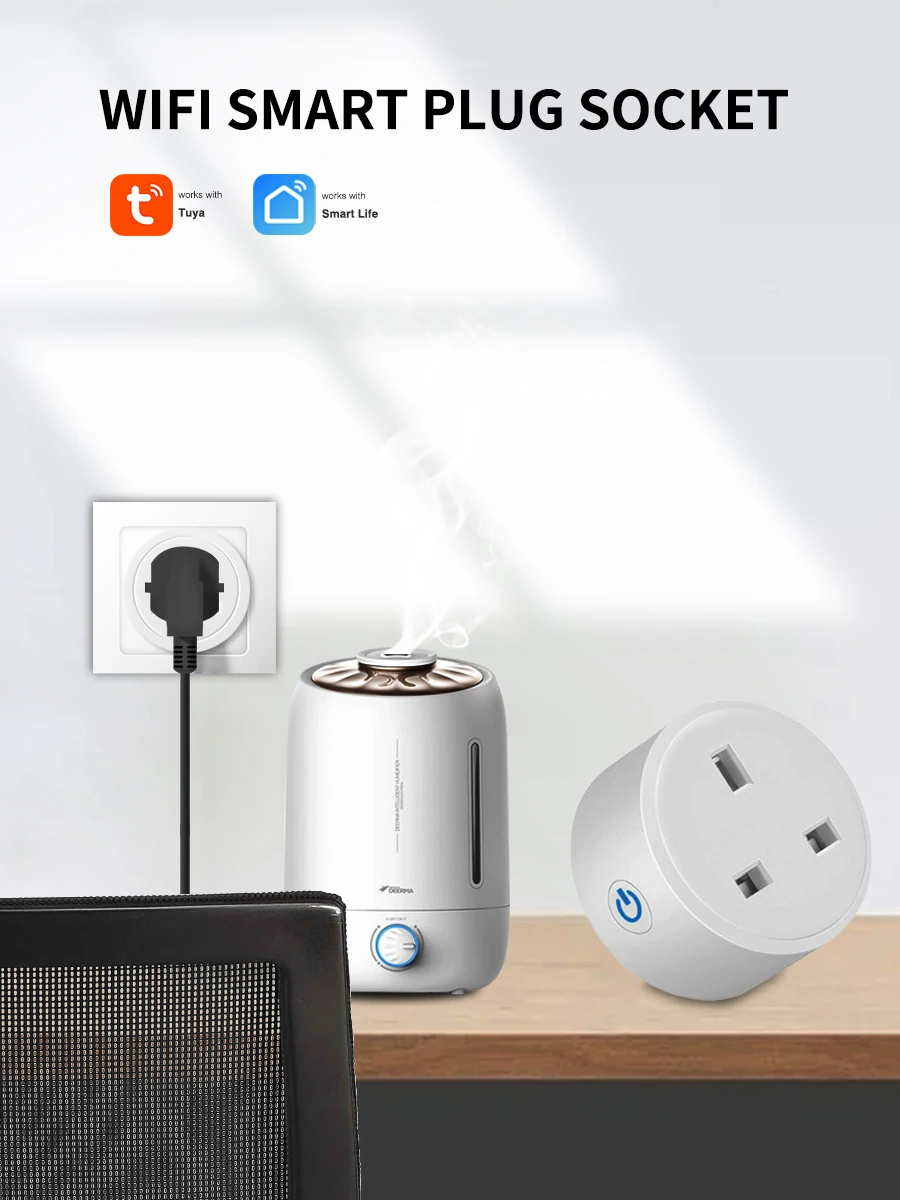
Control your home appliances easily with this 20A Tuya Smart WiFi UK Plug designed for smart living and energy efficiency. It allows remote access through the Smart Life or Tuya app, so you can turn devices on or off anytime from anywhere.
It helps solve common problems like unnecessary power usage, forgetting to switch off appliances, and lack of energy tracking. With real-time power monitoring, you can clearly understand electricity consumption and manage it better.
Key benefits:
- Remote control via Smart Life / Tuya app
- Real-time energy monitoring for better efficiency
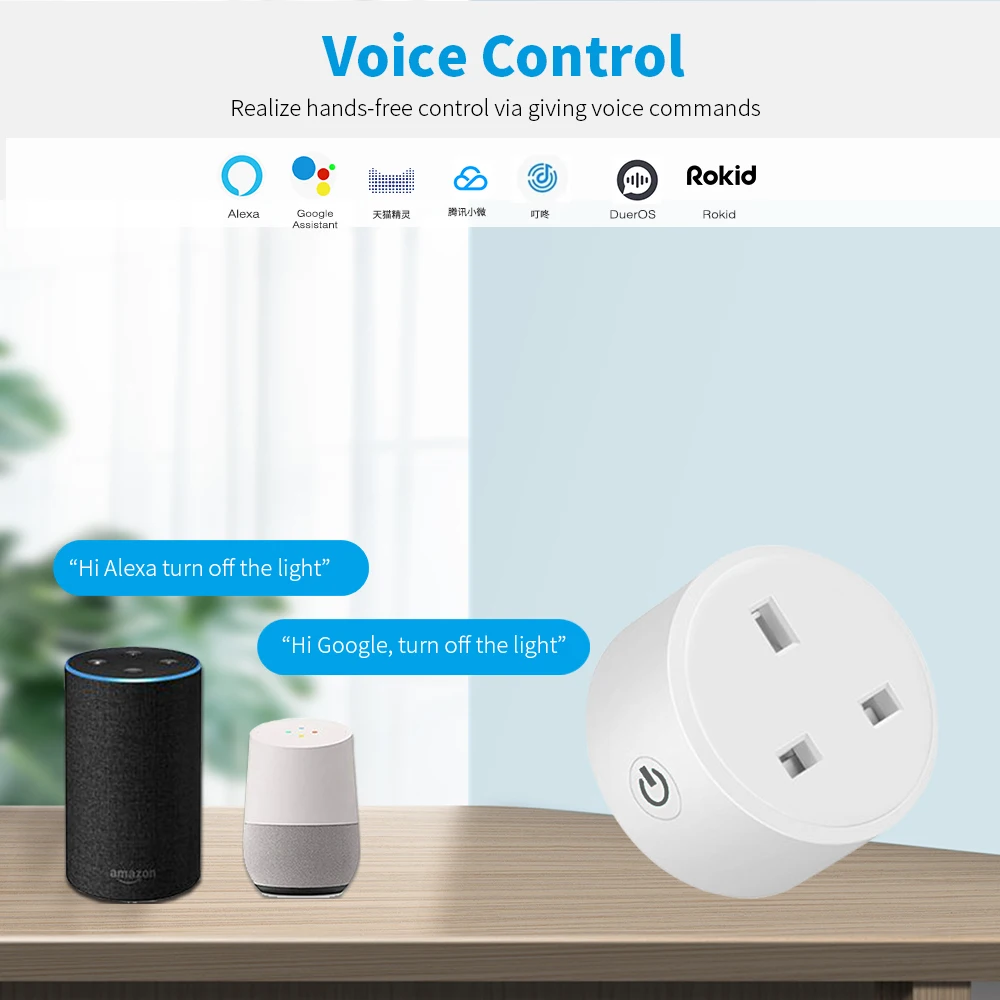
- Voice control support with Alexa and Google Home
- Built-in timer for automatic scheduling
- Supports high-power appliances up to 20A
With stable 2.4GHz WiFi and strong build quality, this smart plug is a practical solution for making your home more convenient, safe, and energy-efficient.
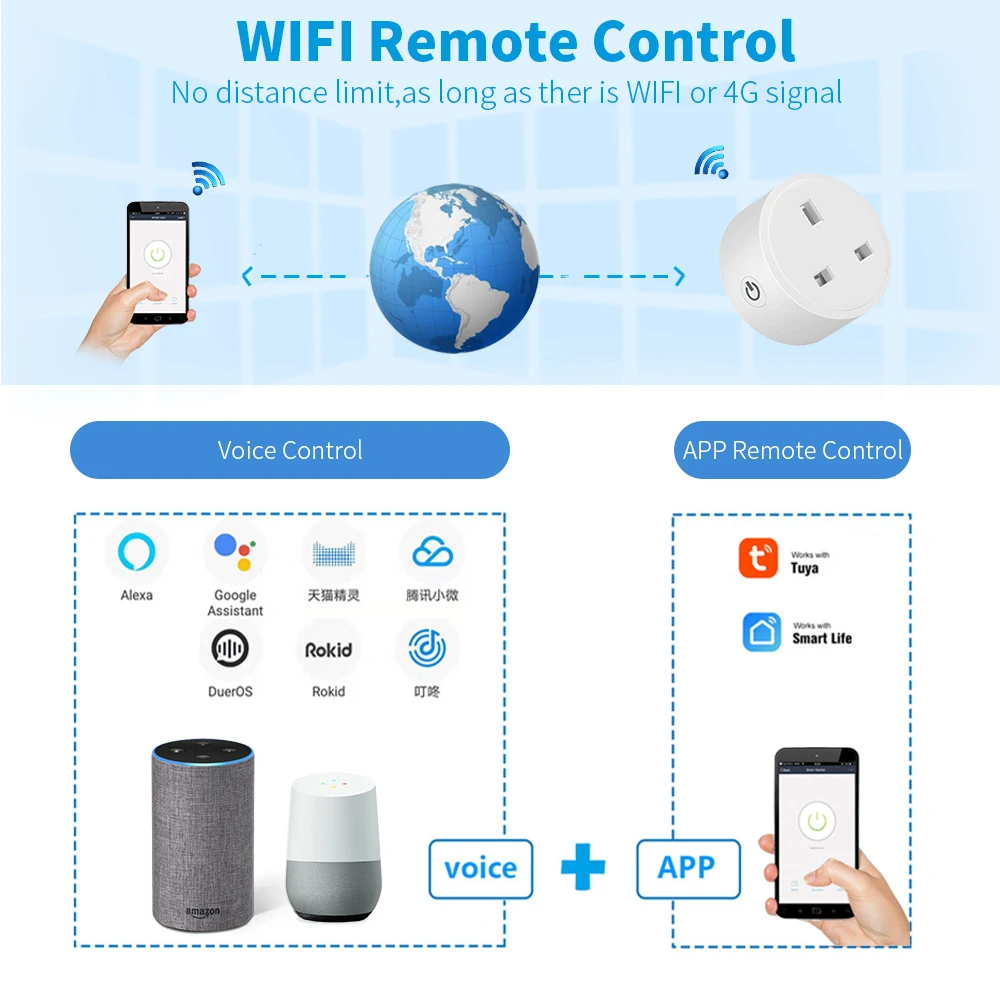
Superpower 1:Voice Control
Superpower 2:Mobile APP Remote Control
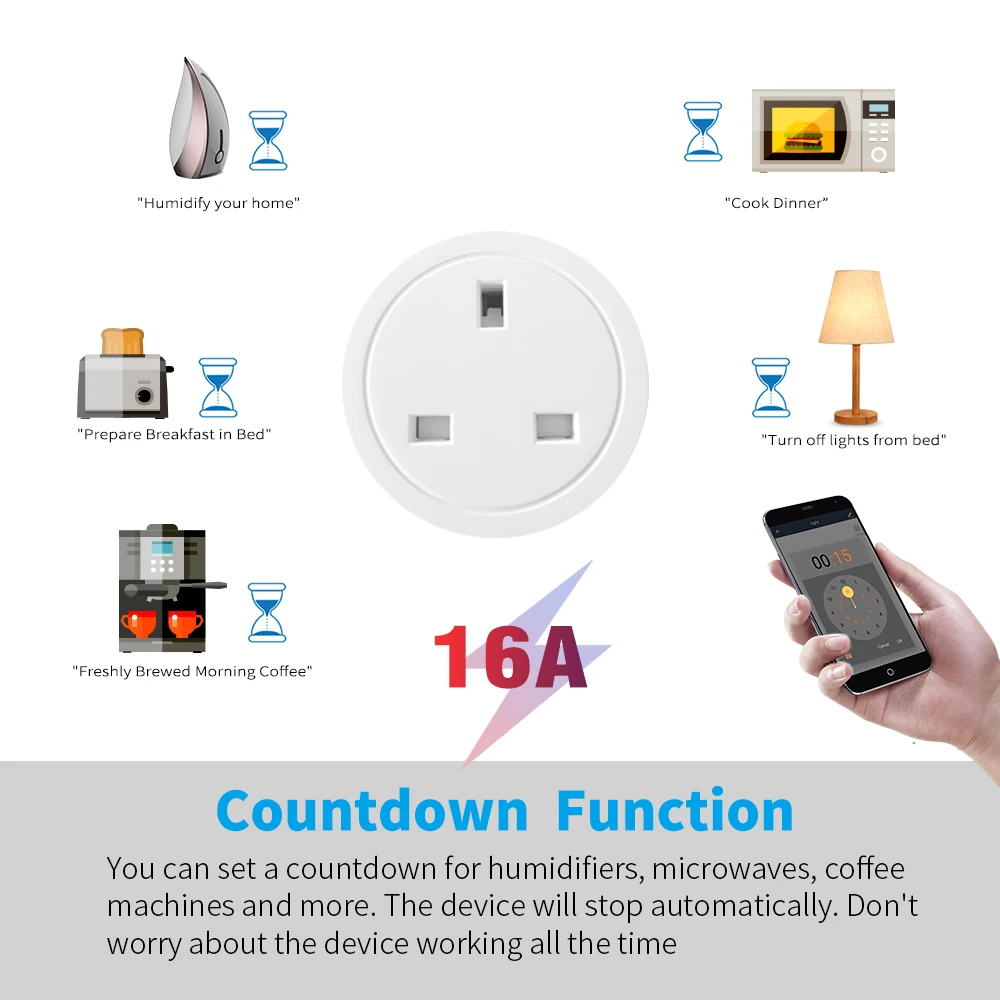
Superpower 3:Countdown Function
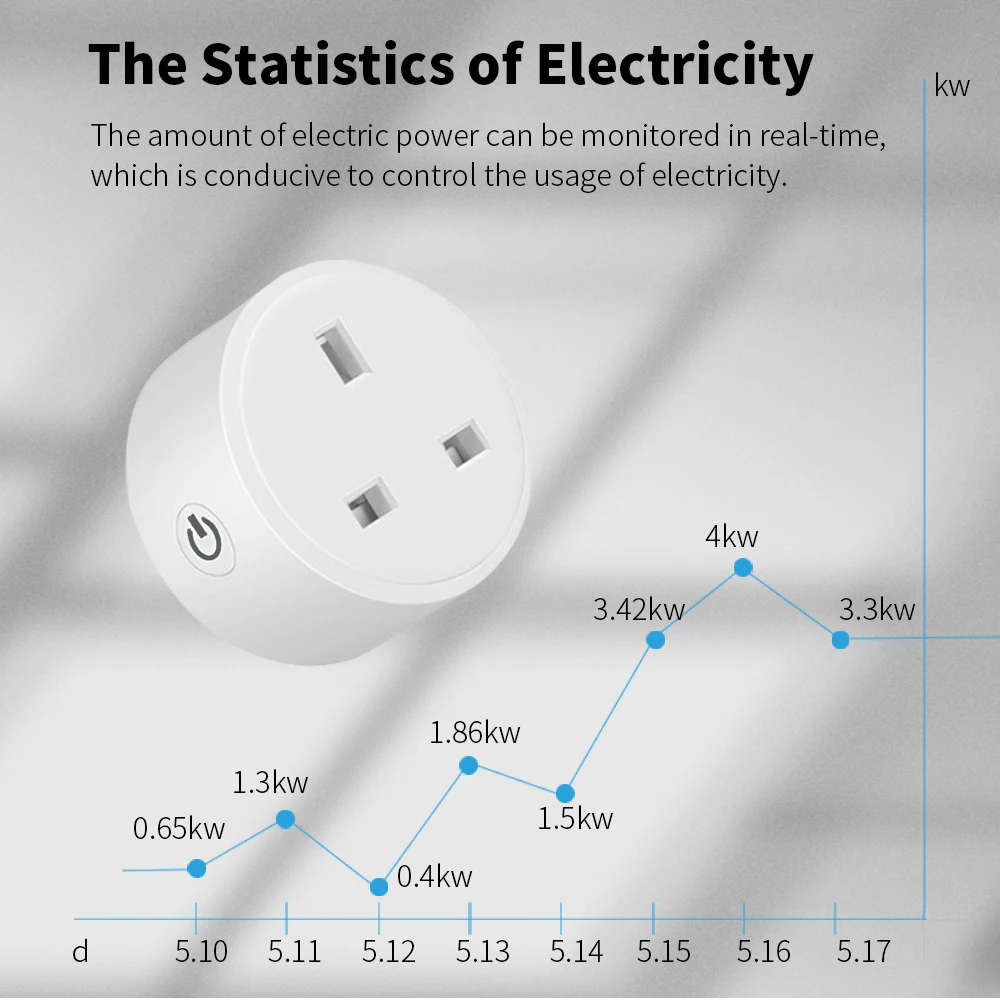
Superpower 4: Power Monitor
Please pay attention to the options "No Power Monitor" and "WITH Power Monitor".
Only one of the functions is different, the other functions are the same, and the appearance is the same.
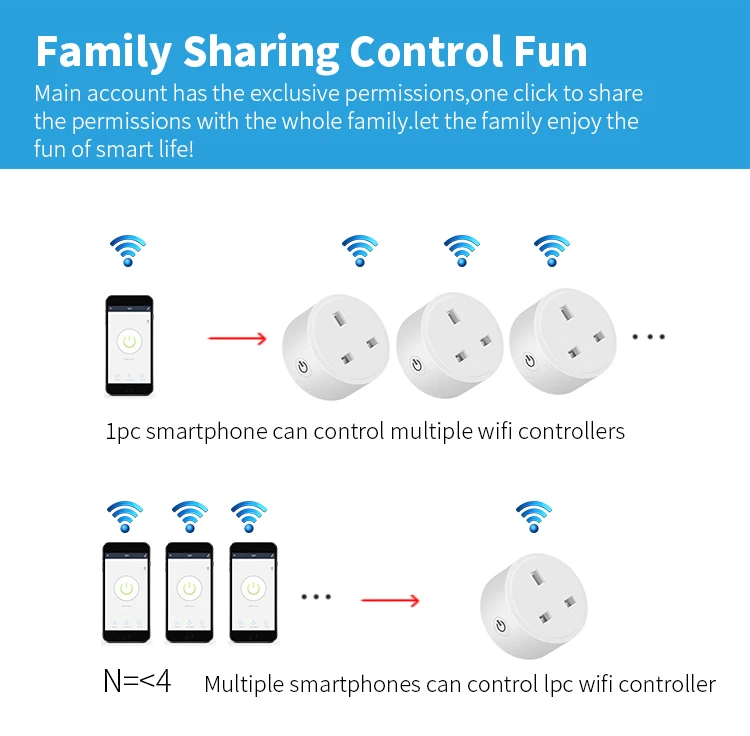
Superpower 5:Family Sharing Control Fun
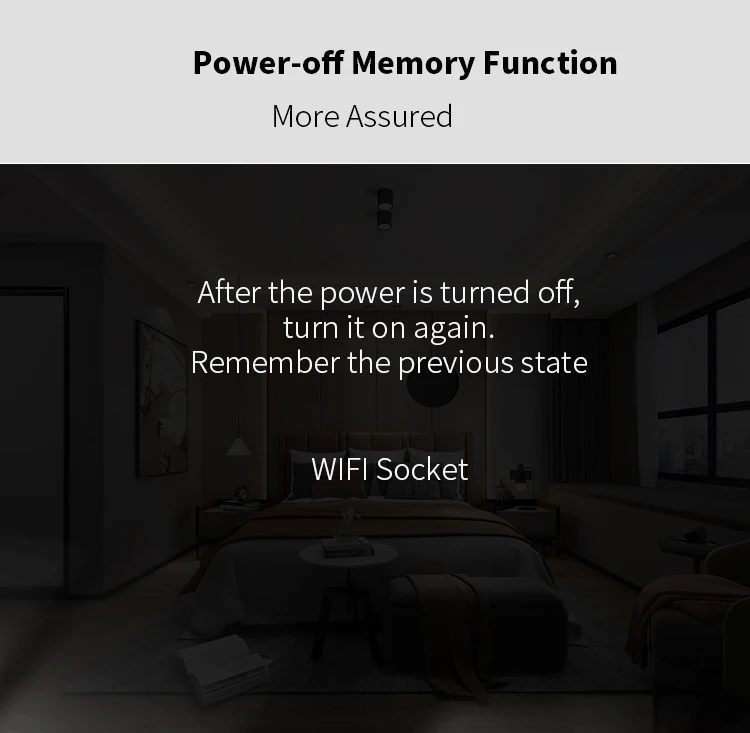
Superpower 6:Power-off Memory Function

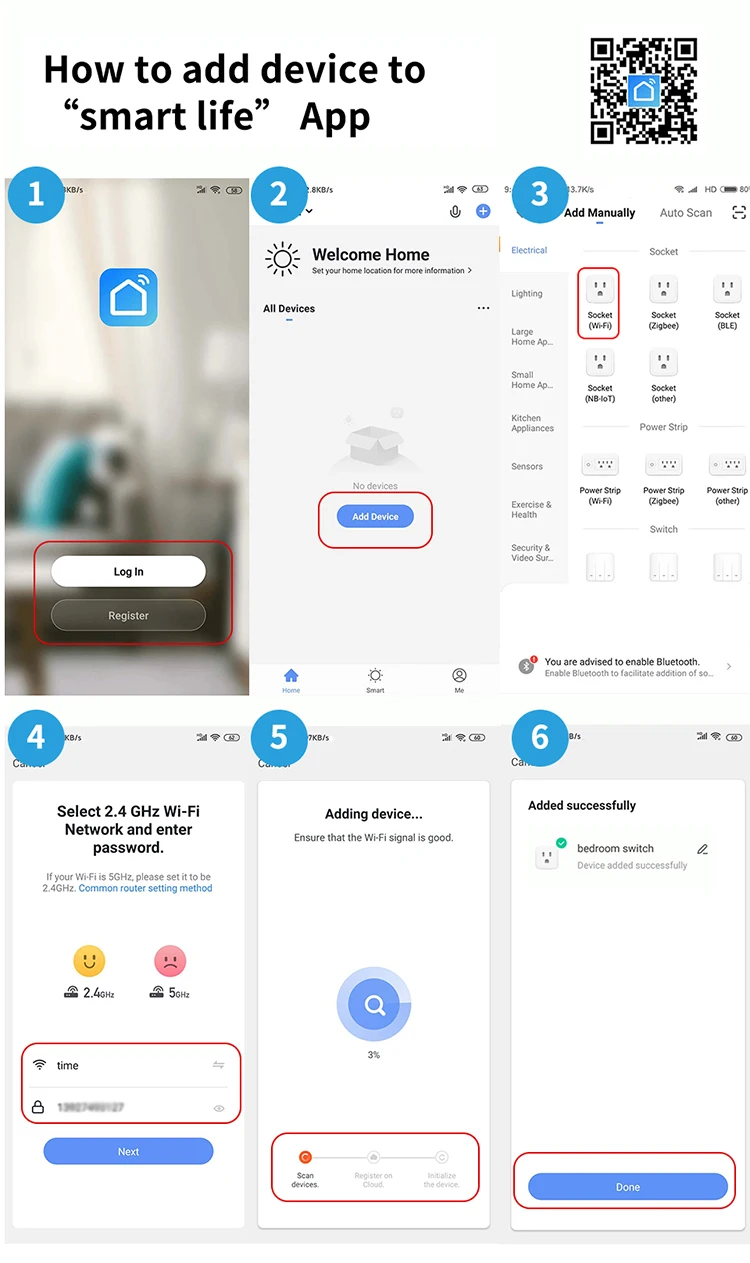
How to add device to mobile app
1.Scan the QR-code of the manual or Search ' Smart Life ' to download and install the device's APP
2.After the wiring is completed, turn on the power and operate according to the status of the smart switch indicator:
3.If the red light of the smart switch flashes continuously at this time, it indicates that the smart switch has entered the state of waiting for connection to WiFi; then open the APP and follow the instructions to connect to WiFi.
4. If the indicator light of the smart switch is not flashing red light, please press the button of the smart switch and keep it for more than 5 seconds until the red light flashes continuously, then open the APP and connect to the WiFi according to the manual.
Warranty & Service

Official Genuine Guarantee